Stop losing followers to broken links. Here’s exactly how to set it up.
Instagram still runs the show when it comes to engagement, but let’s be real—it’s not exactly designed to send people away from the app. You can nail the perfect photo and write a caption that hits just right, but if you actually want someone to visit your website, shop, or latest video, it all comes down to one thing: knowing how to put a link in Instagram bio the right way.
If you’ve been digging through your settings and feel like you’re going in circles, you’re not alone. Instagram tweaks its layout constantly—what worked a few months ago might now be buried somewhere totally new. Whether you're pushing a newsletter, a YouTube channel, or your own products, getting this simple setup right is the first real step toward turning followers into actual visitors.
In this guide, we’ll walk through exactly how to get that link up, how to make the most of Instagram’s built-in tools, and—more importantly—how to structure things so people actually tap.
Where Is the Link in Bio? (And Why You Might Be Missing It)
Before we get into the steps, let’s clear up the confusion around where the link actually lives. If you’ve ever tapped on someone’s profile and had to hunt for a clickable URL, don’t worry—it’s not you, it’s just how the platform is designed now. Instagram no longer shows a long, obvious URL right under usernames.
Where you’ll find it depends on your account type:
Personal Accounts: The link usually shows up as plain text just above the “Edit Profile” button. It’s not highlighted or underlined, so it’s easy to miss—but it’s there.
Creator/Business Accounts: These profiles get a cleaner setup. You’ll see a dedicated “Links” button (or a “View Shop” button if you sell products). Tapping it opens a menu with all the URLs you’ve added.
Once you know where to look, the whole process starts making more sense. You’re not just dropping a link into a random field—you’re filling out a feature Instagram designed to keep profiles tidy and user-friendly.
How to Put a Link in Instagram Bio (Step-by-Step)
Okay, let’s get into the actual steps. Adding a link takes maybe 30 seconds, but knowing exactly where to tap saves you the headache. Here’s how it works in 2026:
Open the Instagram app and head to your profile by tapping your picture in the bottom right corner.
Hit the “Edit Profile” button right below your bio.
Scroll down until you see the “Links” option. (If you’re on a personal account, this might still say “Website.”)
Tap “Add external link.”
Paste your URL. You’ll also get the option to add a title—so instead of showing a long link, people will see something like “Watch My Latest Vlog” or “Shop the Collection.”
Tap the checkmark in the top-right corner to save.
That’s it. The link shows up on your profile immediately. If you’re using a business or creator account, you can actually repeat these steps to add up to five links. Just keep in mind: only the first one shows as a preview on your main profile. The rest live behind that “Links” button.
Beyond One URL: Maximizing Your Five Link Slots
For years, everyone complained about the “one link limit.” That finally changed in 2023, and by 2026, the multi-link feature is actually pretty solid. You can now add up to five external links directly to your profile without needing any weird workarounds.
But here’s the thing—don’t just throw in five random links. Think strategically:
Slot 1 (The Featured Link): This one’s prime real estate since it’s the only one visible without an extra tap. Use it for whatever’s current—a new product, a big campaign, or your latest post.
Slots 2–5 (The Support Links): These are great for evergreen stuff. Link to your “About Me” page, your YouTube channel, a podcast, or a press kit.
The catch? Those extra links are hidden behind a menu. So if you want every click to count—or if you have more than five things to share—you might need a different setup.
When Five Isn’t Enough: The Case for a Link Hub
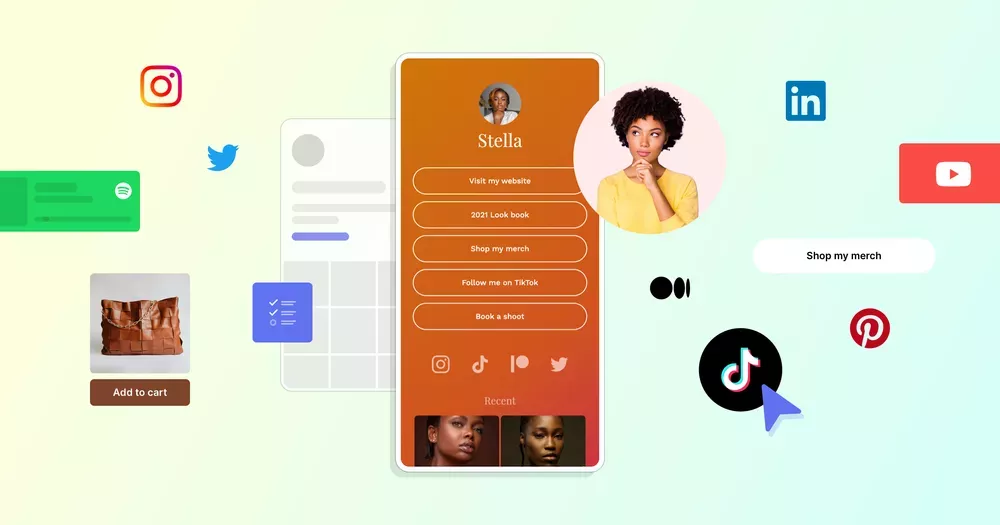
This is where the whole “link in bio” tool concept still makes sense. Instagram’s native five links are fine, but they’re pretty bare-bones. No visuals, no context—just text. A dedicated link hub lets you add images, descriptions, and even video previews.
And honestly, this is the perfect spot to mention a tool that makes this whole process way easier. If you’re tired of juggling multiple links or just want something cleaner, Biovelt is worth checking out. It’s a completely free tool that lets you build a sleek, custom landing page with unlimited links. Unlike Instagram’s basic menu, you can organize everything with images and descriptions—so your audience actually knows what they’re clicking before they leave the app.
Whether you’re linking to a newsletter, a freelance portfolio, or a weekly playlist, Biovelt gives you way more flexibility without cluttering up your bio.
Conclusion
Learning how to put a link in Instagram bio isn’t just about copying and pasting a URL. It’s about understanding what happens next. You’re asking someone to stop scrolling, tap your profile, maybe tap again, and then leave the app entirely. The least you can do is make sure that final destination is worth the trip.
Whether you stick with Instagram’s built-in five links, use a tool like Biovelt to build something more visual, or do a mix of both, the key is to stay intentional. Update your links regularly, pay attention to what’s getting clicks, and always make sure the link actually delivers on what your post promised.
Go ahead and take a look at your bio right now. Is that link taking people somewhere they actually want to go?
Mar 09, 2026